


Note: To support the Mac ARM architecture, the darwin-arm64 prebuilds should be created from an ARM machine using npm run prebuild. The other prebuilds can be created using the github workflows. Organize all of the prebuilds in the local prebuilds directory (including the ones that were built using Github actions) and then publish all of them using npm run publish.
Node.js Desktop Automation. Control the mouse, keyboard, and read the screen.
RobotJS supports Mac, Windows, and Linux.
This is a work in progress so the exported functions could change at any time before the first stable release (1.0.0). Ideas?
Check out some of the cool things people are making with RobotJS! Have your own rad RobotJS project? Feel free to add it!


Contents
Installation
Install RobotJS using npm:
npm install robotjs
It's that easy! npm will download one of the prebuilt binaries for your OS.
You can get npm here if you don't have it installed.
If you need to build RobotJS, see the building section. Instructions for Electron.
Examples
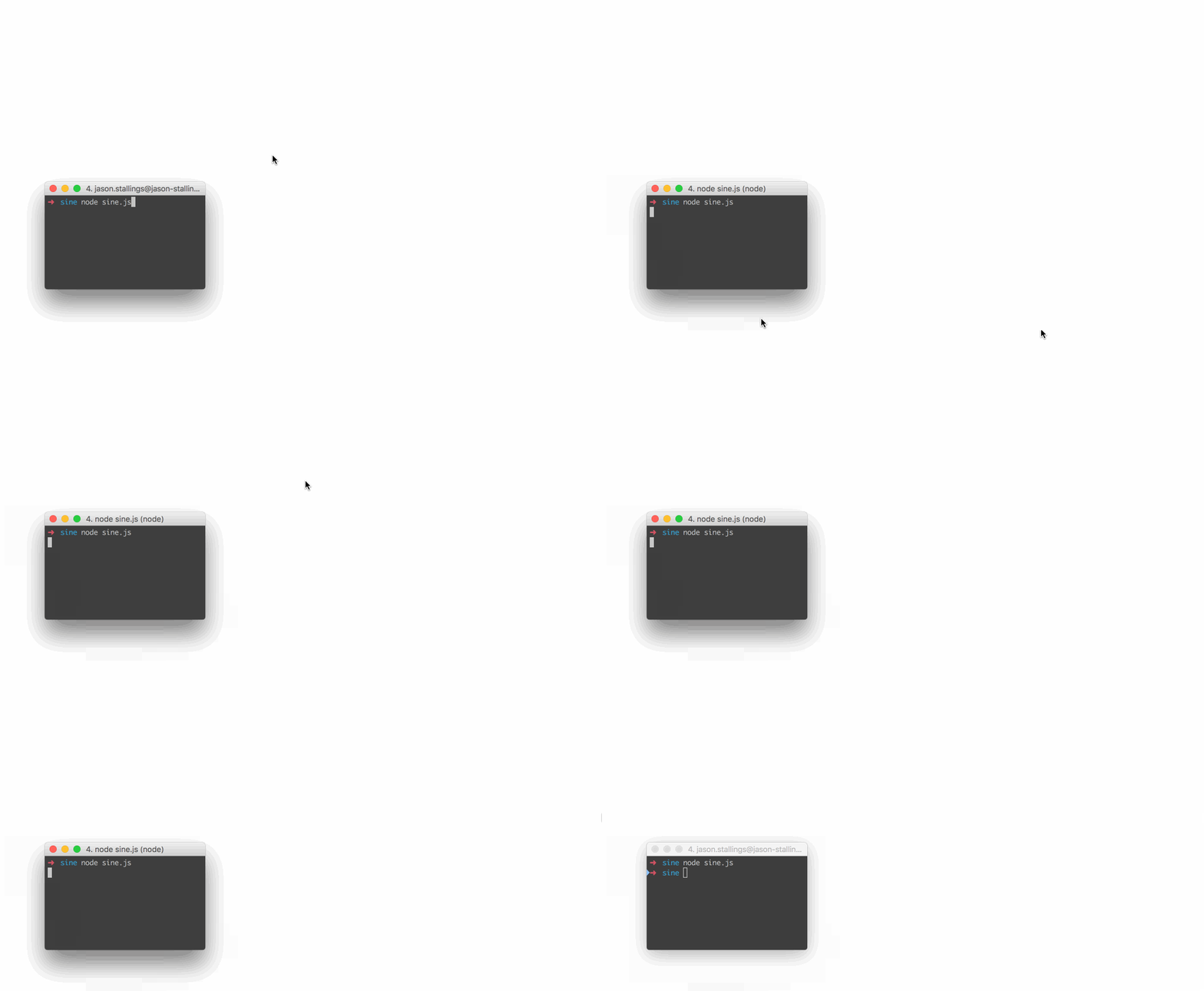
var robot = require("robotjs");
robot.setMouseDelay(2);
var twoPI = Math.PI * 2.0;
var screenSize = robot.getScreenSize();
var height = (screenSize.height / 2) - 10;
var width = screenSize.width;
for (var x = 0; x < width; x++)
{
y = height * Math.sin((twoPI * x) / width) + height;
robot.moveMouse(x, y);
}
var robot = require("robotjs");
robot.typeString("Hello World");
robot.keyTap("enter");
var robot = require("robotjs");
var mouse = robot.getMousePos();
var hex = robot.getPixelColor(mouse.x, mouse.y);
console.log("#" + hex + " at x:" + mouse.x + " y:" + mouse.y);
Read the Wiki for more information!
The RobotJS API is hosted at https://robotjs.io/docs/syntax.
Building
Please ensure you have the required dependencies before installing:
- Windows
- windows-build-tools npm package (
npm install --global --production windows-build-tools from an elevated PowerShell or CMD.exe)
- Mac
- Xcode Command Line Tools.
- Linux
- Python (v2.7 recommended, v3.x.x is not supported).
- make.
- A C/C++ compiler like GCC.
- libxtst-dev and libpng++-dev (
sudo apt-get install libxtst-dev libpng++-dev).
Install node-gyp using npm:
npm install -g node-gyp
Then build:
node-gyp rebuild
See the node-gyp readme for more details.
Plans
- √ Control the mouse by changing the mouse position, left/right clicking, and dragging.
- √ Control the keyboard by pressing keys, holding keys down, and typing words.
- √ Read pixel color from the screen and capture the screen.
- Find an image on screen, read pixels from an image.
- Possibly include window management?
Progress
| Mouse | 100% | All planned features implemented. |
| Keyboard | 100% | All planned features implemented. |
| Screen | 85% | Image search, pixel search. |
| Bitmap | 0% | Saving/opening, png support. |
FAQ
Does RobotJS support global hotkeys?
Not currently, and I don't know if it ever will. I personally use Electron/NW.js for global hotkeys, and this works well. Later on I might add hotkey support or create a separate module. See #55 for details.
Can I take a screenshot with RobotJS?
Soon! This is a bit more complicated than the rest of the features, so I saved it for last. Luckily the code is already there, I just need to write the bindings, and I've already started. Subscribe to #13 for updates.
Why is <insert key> missing from the keyboard functions?
We've been implementing keys as we need them. Feel free to create an issue or submit a pull request!
How about multi-monitor support?
The library doesn't have explicit multi-monitor support, so anything that works is kind of on accident. Subscribe to #88 for updates.
For any other questions please submit an issue.
Story
I'm a huge fan of AutoHotkey, and I've used it for a very long time. AutoHotkey is great for automation and it can do a bunch of things that are very difficult in other languages. For example, it's imagesearch and pixel related functions are hard to reproduce on Mac, especially in scripting languages. These functions are great for automating apps that can't be automated like Netflix. This has never been a big deal since I've always used Windows at work, but for the past few years I've been using Mac exclusively.
I like AutoHotkey, but I like Node.js more. By developing RobotJS I get an AutoHotkey replacement on Mac (finally!), and I get to use my favorite language.
TLDR: There's nothing like AutoHotkey on Mac, so I'm making it.
License
MIT
Based on autopy.
Maintained by Jason Stallings.




