

smartcrop.py
smartcrop implementation in Python.
smartcrop finds good crops for arbitrary images and crop sizes, based on
Jonas Wagner's smartcrop.js.

Requirements
Python requirements are defined in pyproject.toml.
Installation
pip3 install -U pip setuptools wheel
pip3 install smartcrop
or directly from GitHub:
pip3 install -U pip setuptools wheel
pip install -e git+git://github.com/smartcrop/smartcrop.py.git@master
Usage
Use the basic command-line tool:
$ smartcroppy --help
usage: smartcroppy [-h] [--debug-file DEBUG_FILE] [--width WIDTH] [--height HEIGHT] INPUT_FILE OUTPUT_FILE

positional arguments:
  INPUT_FILE            Input image file
  OUTPUT_FILE           Output image file

options:
  -h, --help            show this help message and exit
  --debug-file DEBUG_FILE
                        Debugging image file
  --width WIDTH         Crop width
  --height HEIGHT       Crop height
Processing an image:
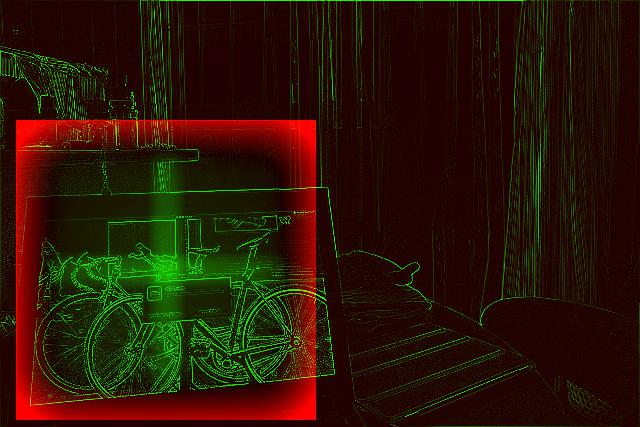
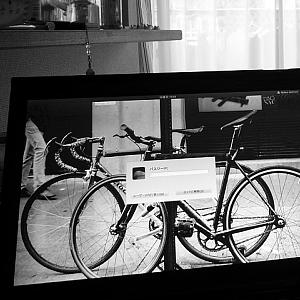
smartcroppy --width 300 --height 300 tests/images/business-work-1.jpg output.jpg --debug-file debug.jpg
Or use the module it in your code (this is a really basic example, see examples/ and smartcrop/cli.py for inspiration):
import json
import sys

import smartcrop
from PIL import Image

image = Image.open(sys.argv[1])
cropper = smartcrop.SmartCrop()
result = cropper.crop(image, 100, 100)
print(json.dumps(result, indent=2))
Testing
Install dependencies for testing, then call pytest:
pip3 install smartcrop[test]
pytest
License
MIT




