Code Fundi Webpack Plugin
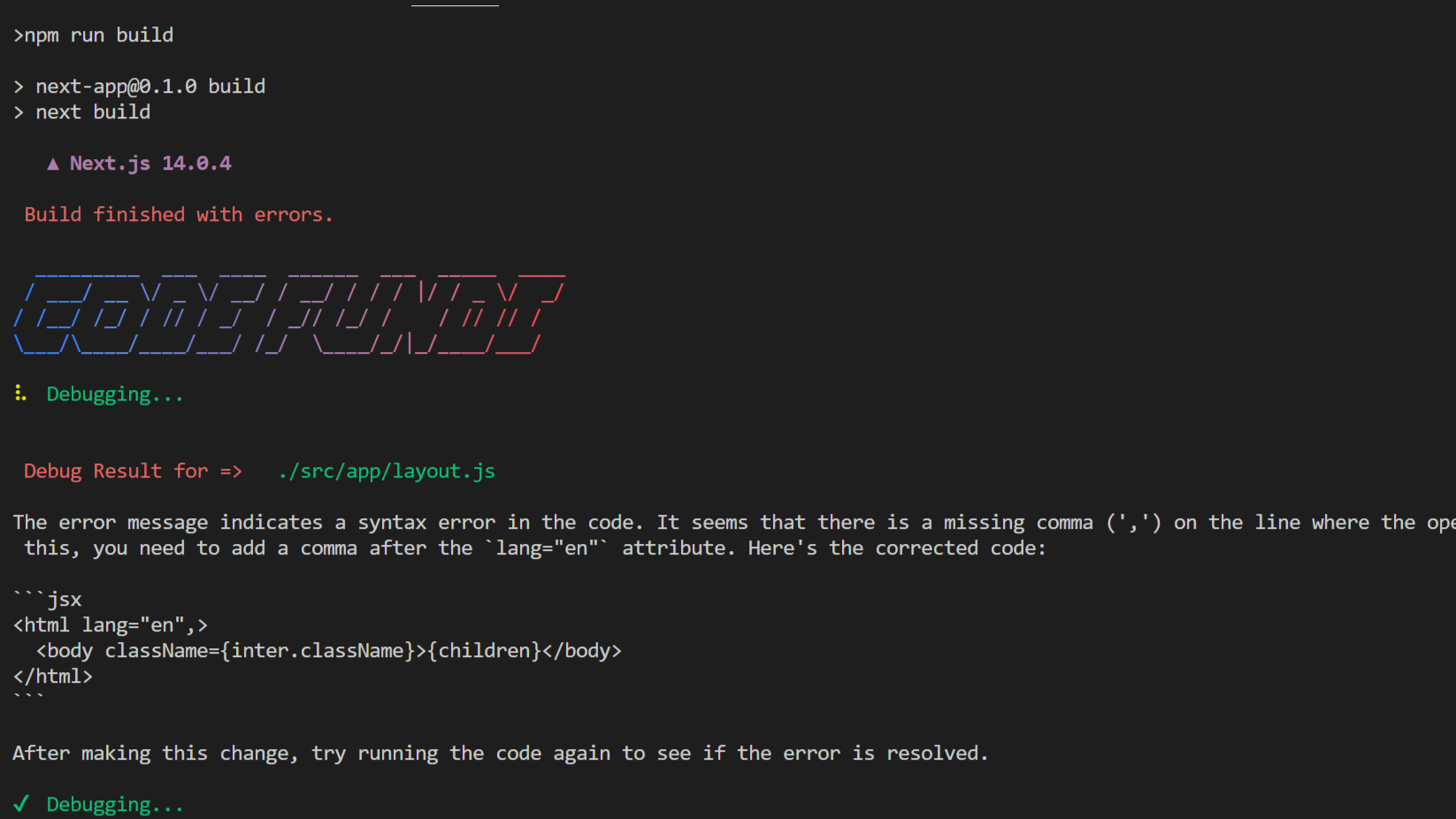
This feature works by scanning your JavaScript frontend during build-time to identify and solve errors in real-time, helping you streamline your development process and ensure the reliability of your deployment.
This feature is in early Alpha and we plan to continue improving it with your feedback.
This feature is built using WebPack and is compatible with JavaScript front-end websites such as:
Intergration
Install Plugin
To install Code Fundi into your frontend code, simply run the following command.
npm install @codefundi/webpack-plugin --save-dev
pnpm install @codefundi/webpack-plugin --save-dev
yarn install @codefundi/webpack-plugin --save-dev
Setup Config
Next add the plugin into your project by adding the following code to your config.js file as shown below.
const CodeFundi = require('@codefundi/webpack-plugin');
const nextConfig = {
webpack: (config) => {
config.plugins.push(new CodeFundi({
apiKey: 'YOUR_CODE_FUNDI_API_KEY'
}));
return config;
},
};
module.exports = nextConfig;
const CodeFundi = require('@codefundi/webpack-plugin');

module.exports = {
  chainWebpack: config => {
    config.plugin('codeFundi').use(CodeFundi, [{
      apiKey: 'YOUR_CODE_FUNDI_API_KEY'
    }]);
  }
};
const CodeFundi = require('@codefundi/webpack-plugin');

module.exports = {
  plugins: [
    new CodeFundi({
      apiKey: 'YOUR_CODE_FUNDI_API_KEY'
    })
  ]
};
Setup API Key
To get your API Key, first create an account and head over to the dashboard.
Next, click on the Profile tab and scroll to the section with the API Key.
.png?raw=true)
From here, you can create your API key and copy it in the config file.
.png?raw=true)
Run Code Fundi
You can now run your frontend build using:
npm run build
Whenever a build error is encountered, Code Fundi scans the source to find the error and generates a detailed description of the error along with the corrected code.




